Engineer AI Agents with ADK – Challenge Lab (GSP540) Complete Guide
Engineer AI Agents with Agent Development Kit (ADK) – Challenge Lab (GSP540)
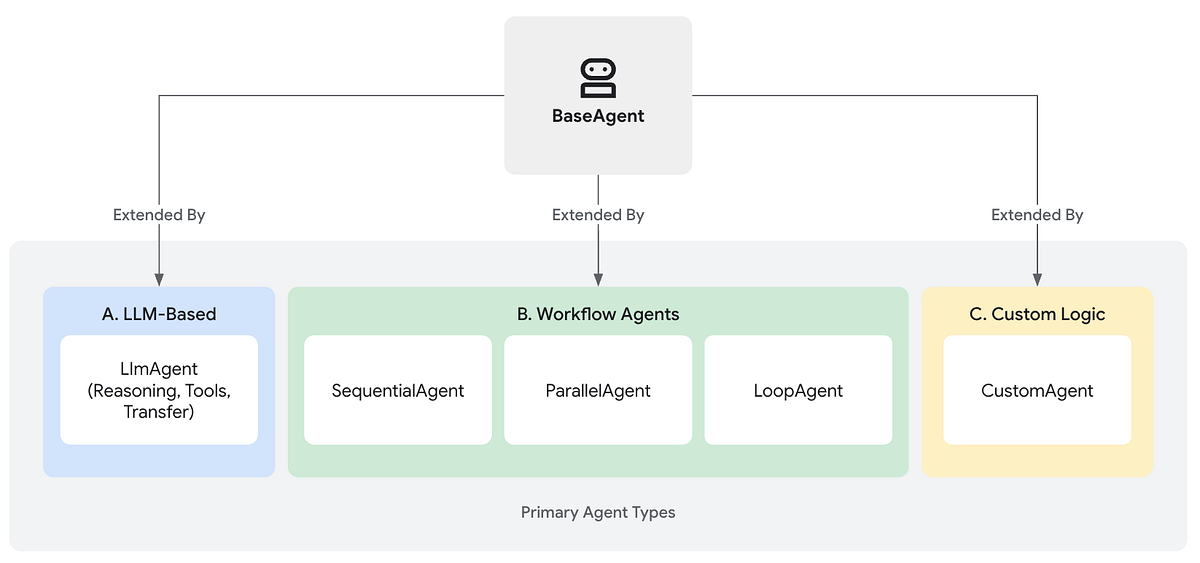
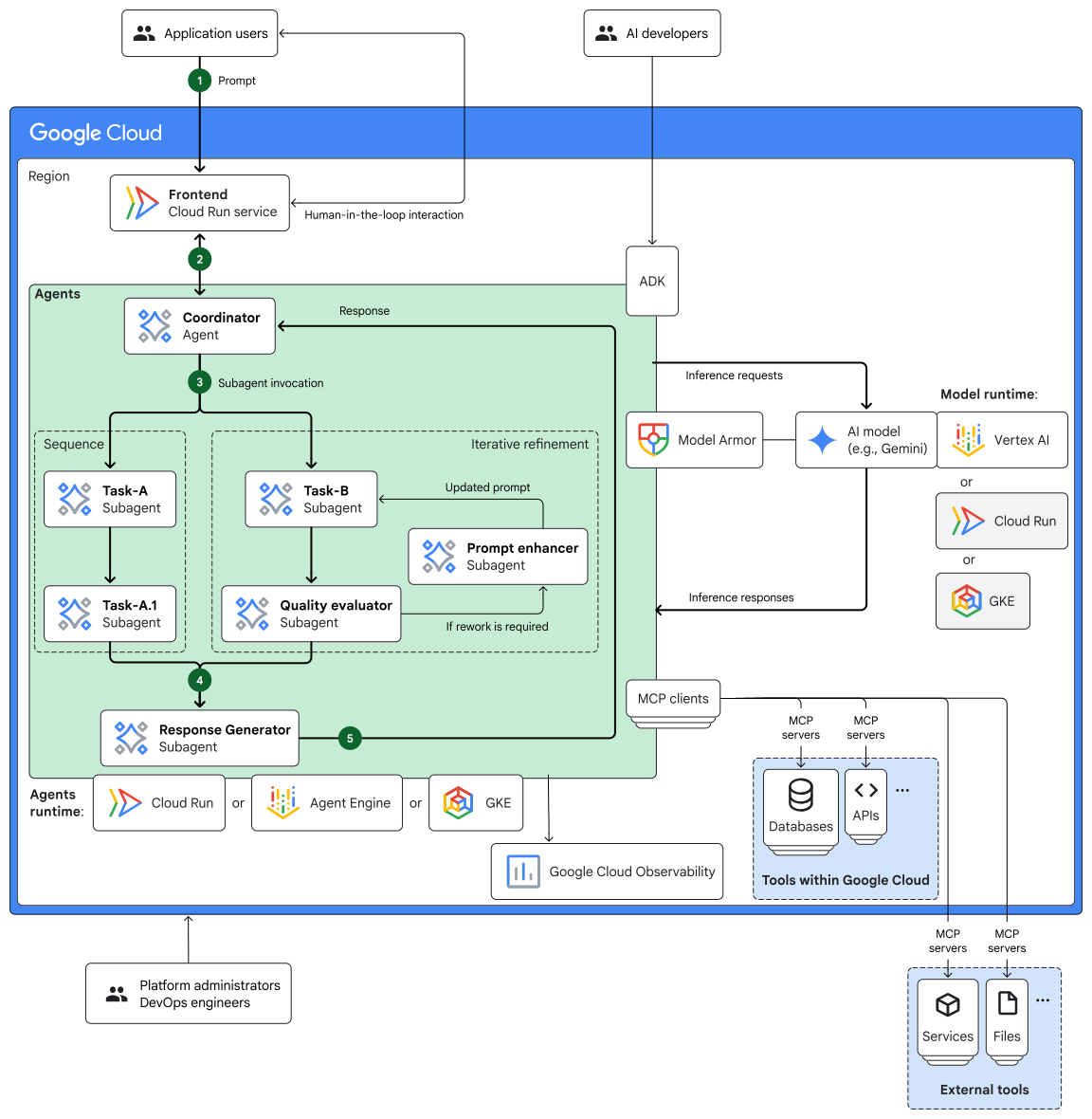
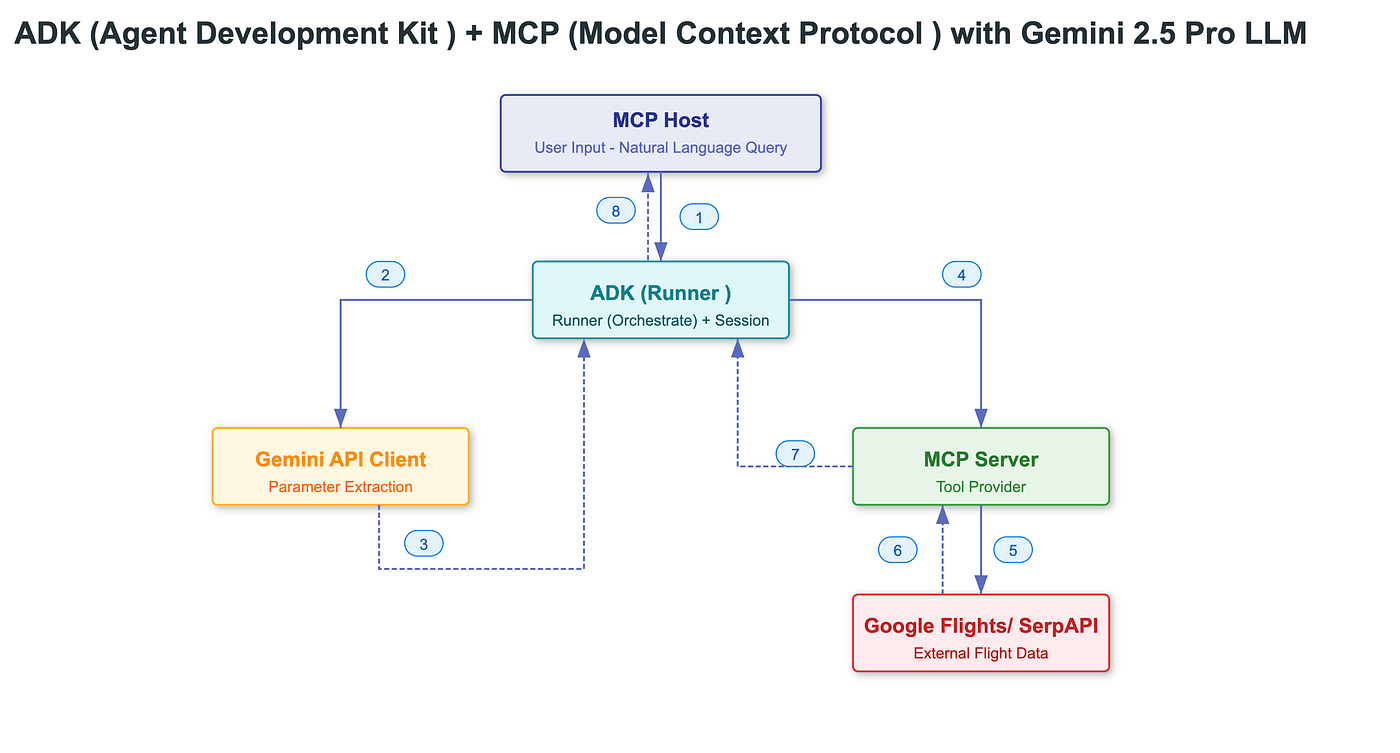
This Google Cloud Challenge Lab tests your ability to repair, configure, and run AI agents using the Agent Development Kit (ADK). Instead of following instructions, you apply skills learned in previous labs.
The lab simulates a travel company AI system where agents gather travel data, validate information, and correct marketing content.
1. Lab Objective 🎯
The main objective of this lab is to build and repair AI agents that perform automated tasks using ADK.
Core Goals
Initialize an AI agent with external tools
- Enable Google Search tool for the Travel Scout agent.
Implement structured data output
- Enforce strict JSON schema using Pydantic.
Build a multi-agent workflow
- Combine agents sequentially (Critic → Reviser).
Run agents through multiple interfaces
Web UI
CLI
Python execution
2. Learning Outcomes 📘
After completing the lab, you will learn:
| Skill | Description |
|---|---|
| AI Agent Development | Creating agents using ADK |
| Tool Integration | Connecting agents with Google Search |
| Structured Output | Enforcing JSON schemas |
| Multi-Agent Pipelines | Agents collaborating sequentially |
| Agent Testing | Running agents via CLI and Web UI |
| LLM Fact-Checking | Detecting and correcting misinformation |
3. Lab Architecture
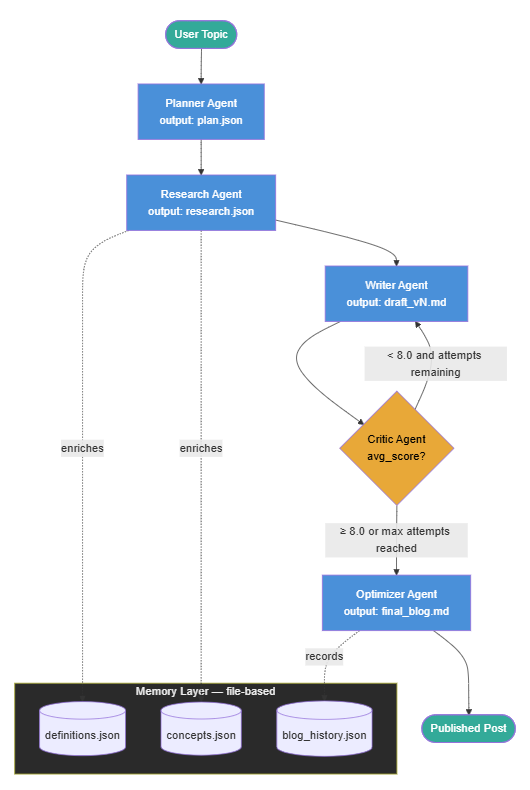
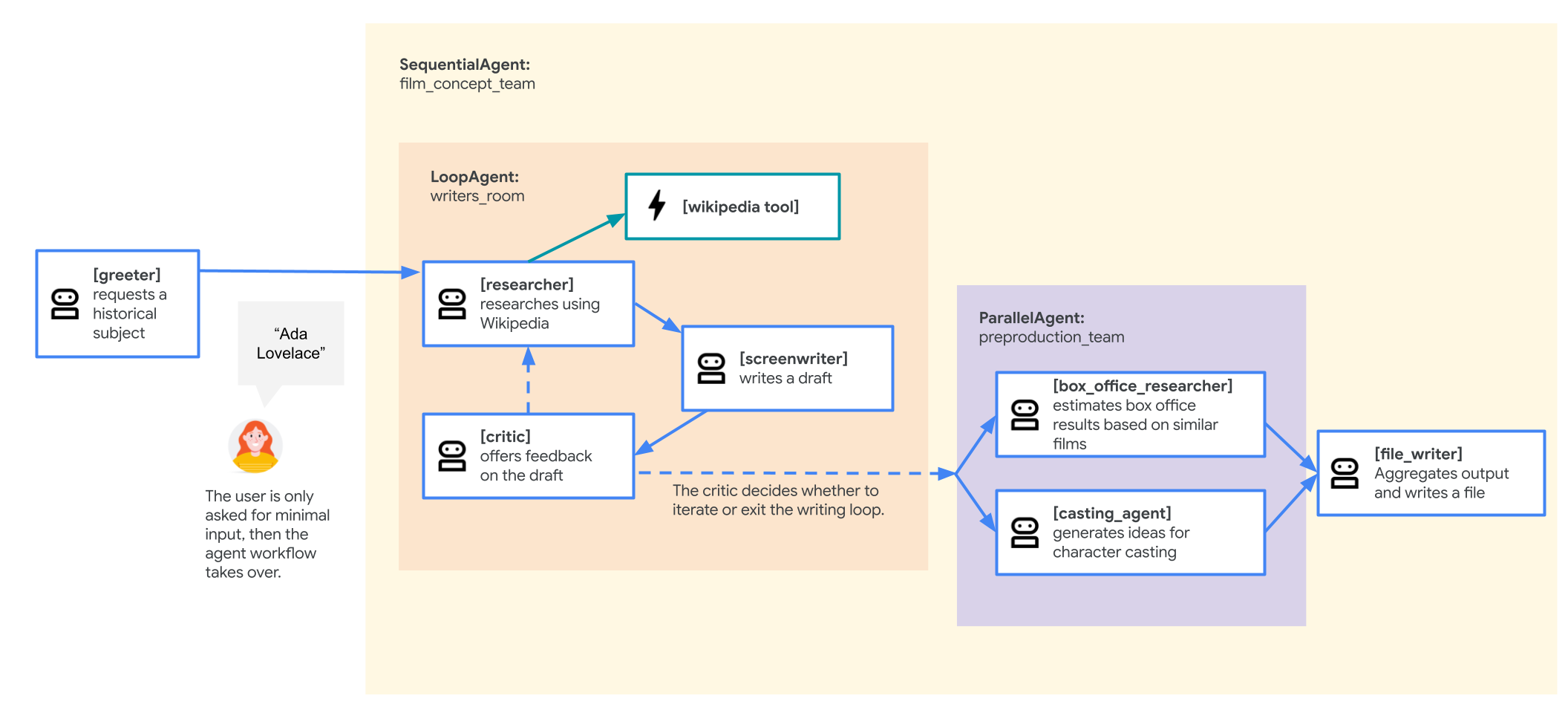
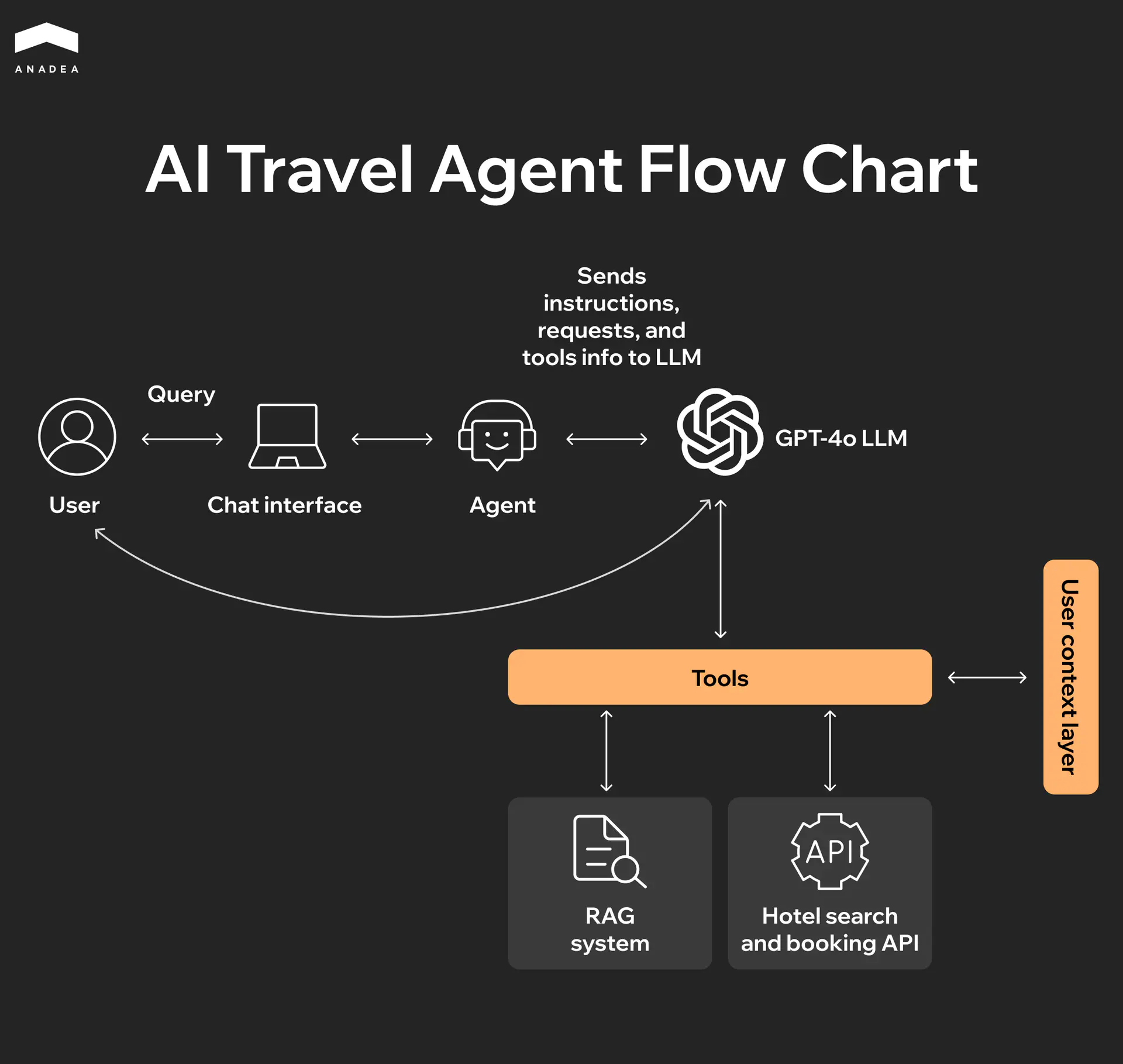
The system contains three agents working together.
Travel Scout
Searches the internet for travel information.
Destination Verifier
Returns structured geographic data.
Brochure Auditor
Checks and corrects marketing claims.
Flow of data:
User Query
   ↓
Travel Scout (Google Search)
   ↓
Geo Validator (Structured JSON)
   ↓
Brochure Auditor
   ├─ Critic Agent
   └─ Reviser Agent
   ↓
Corrected Information
4. Lab Practical Implementation
Task 1 — Install ADK
Step 1 Open Cloud Shell
Install ADK
export PATH=\(PATH:"/home/\){USER}/.local/bin"

python3 -m pip install google-adk
Authenticate Google Cloud
gcloud auth application-default login
Step 2 Download Lab Files
gcloud storage cp gs://qwiklabs-gcp-01-66819293da80-bucket/adk_project.zip .
unzip adk_project.zip
cd adk_project
pip install -r requirements.txt
Task 2 — Configure Travel Scout Agent
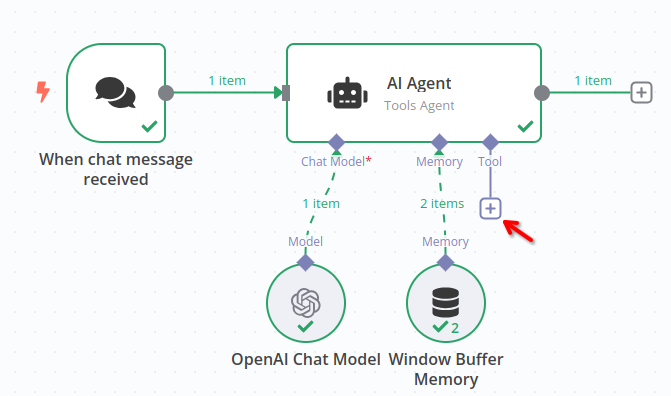
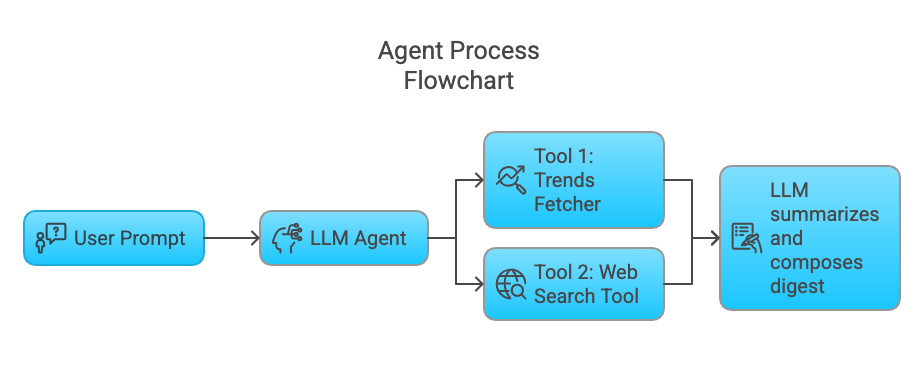

Purpose
Enable the agent to search real-time travel events.
Create .env
Inside
my_google_search_agent
Create .env
GOOGLE_GENAI_USE_VERTEXAI=true
GOOGLE_CLOUD_PROJECT=PROJECT_ID
GOOGLE_CLOUD_LOCATION=global
MODEL=gemini-2.5-flash
Modify agent.py
Add Google Search tool.
from google.adk.agents import Agent
from google.adk.tools.google_search import google_search

agent = Agent(
    name="travel_scout",
    model="gemini-2.5-flash",
    tools=[google_search],
)
Run Web UI
cd ~/adk_project
adk web
Open:
http://127.0.0.1:8000
Ask:
What are major events in Tokyo in 2025?
The agent should perform real Google Search grounding.
Task 3 — Run Agent via CLI
Run agent directly:
adk run my_google_search_agent
Ask:
What is Japan currency exchange rate?
Task 4 — Enforce Structured Output
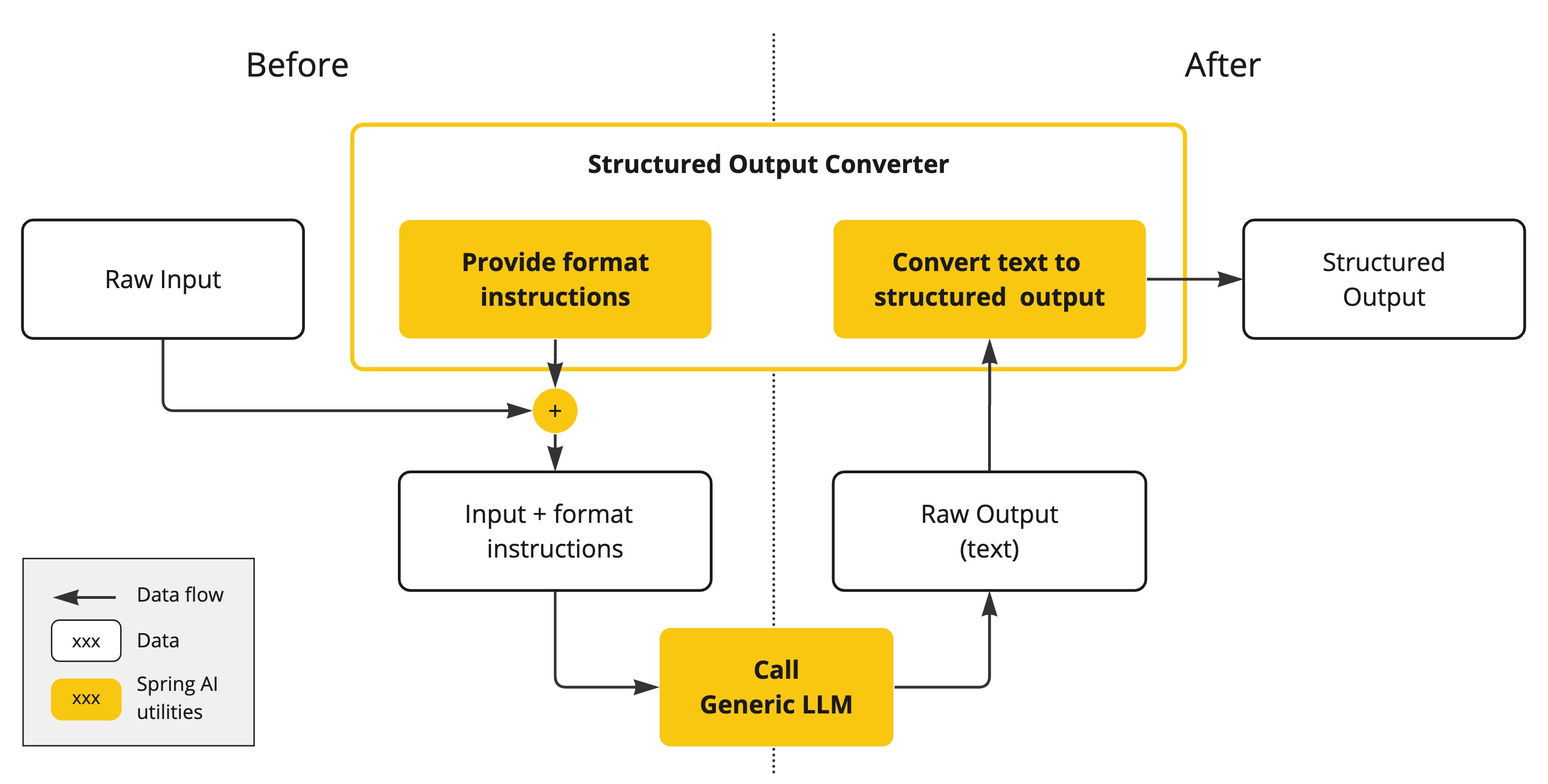

Problem
Agent returns plain text.
Example:
The capital of France is Paris
But the booking system requires JSON format.
Create Schema
Edit geo_validator/agent.py
from pydantic import BaseModel

class CountryCapital(BaseModel):
    capital: str
Configure Agent
agent = Agent(
    name="geo_validator",
    model="gemini-2.5-flash",
    output_schema=CountryCapital,
    disallow_transfer_to_parent=True,
    disallow_transfer_to_peers=True
)
Run Agent
python3 geo_validator/agent.py
Output should be:
{
 "capital": "Paris"
}
Task 5 — Fix Brochure Auditor Pipeline
4
Problem
The Reviser agent was disabled.
Pipeline currently:
Critic → STOP
Correct pipeline:
Critic → Reviser
Edit agent.py
Uncomment import:
from reviser_agent import reviser_agent
Add reviser to pipeline.
agent = Agent(
    name="llm_auditor",
    sub_agents=[
        critic_agent,
        reviser_agent
    ]
)
Test in Web UI
Start server:
adk web
Ask:
Double check this: You can take a direct train from Hawaii to Japan
Expected result:
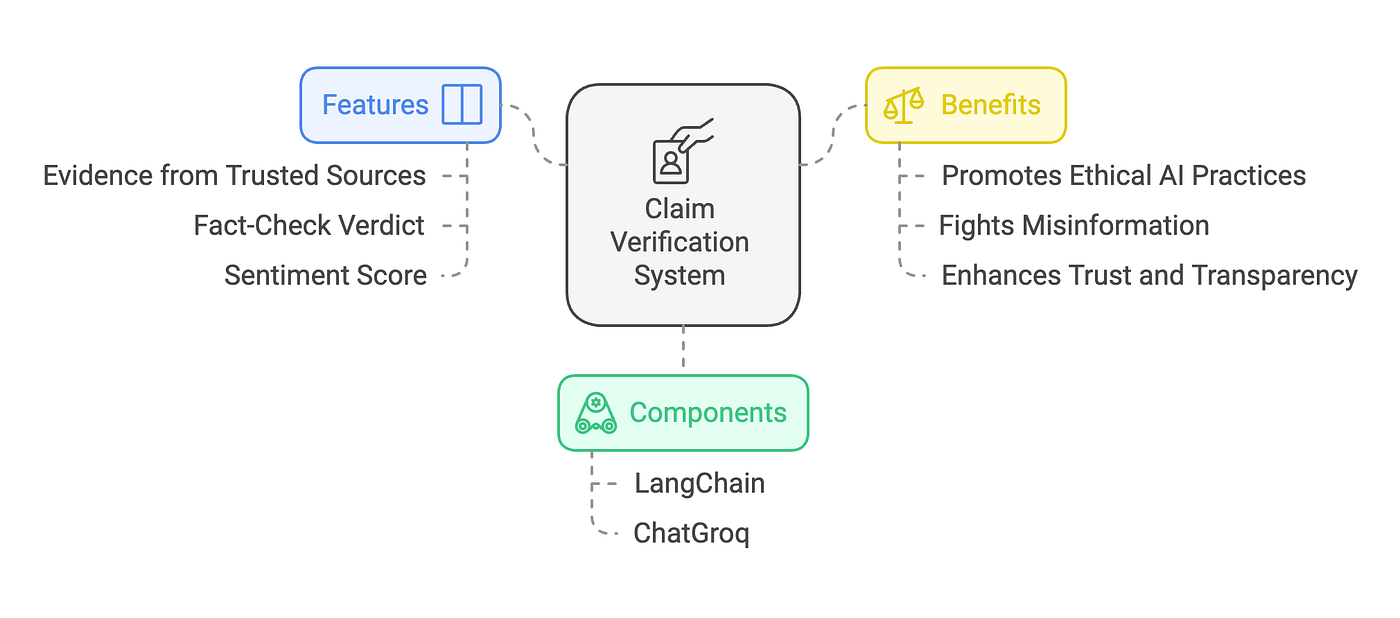
1️⃣ Critic → identifies claim false
2️⃣ Reviser → corrects claim
Correct output example:
There is no train from Hawaii to Japan because Hawaii is an island. Travel between them requires air or sea transportation.
5. Key Concepts Learned
AI Agent
A program that uses LLMs to perform tasks automatically.
Example:
Search information
Analyze data
Generate answers
Tools in Agents
Agents can interact with external services.
Examples:
Google Search
APIs
Databases
Grounding
Grounding means using real-time data instead of only LLM knowledge.
Example:
Gemini + Google Search
Multi-Agent System
Multiple agents collaborate.
Example:
Critic Agent → detects errors
Reviser Agent → fixes errors

6. Real-World Use Cases 🌍
This architecture is used in:
Travel companies
Financial fraud detection
Medical AI assistants
Customer service automation
Content verification systems
✅ Final Result
You successfully built:
| Agent | Function |
|---|---|
| Travel Scout | Searches travel information |
| Geo Validator | Returns structured geographic data |
| Brochure Auditor | Detects and fixes incorrect claims |
